


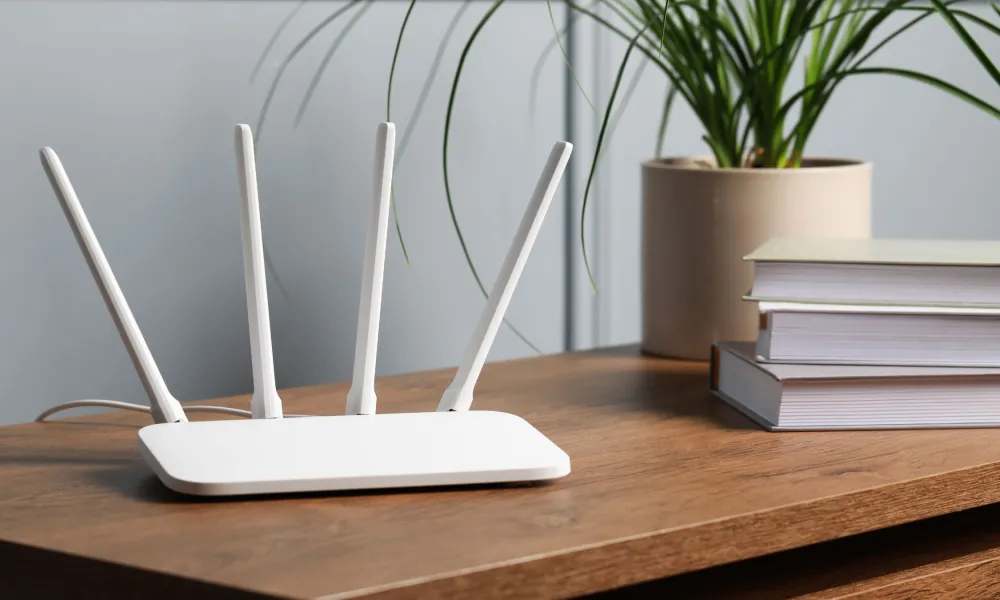

Wi-Fi may be essential to modern life, but a number of unexpected household items can interfere with the signal, according to Alex Hills, a telecommunications pioneer who helped build one of the world's first large Wi-Fi networks at Carnegie Mellon University.
Microwaves
One of the most common sources of interference is the humble microwave oven.
Many Wi-Fi networks operate on the 2.4 GHz frequency band, the same frequency used by microwave ovens to heat food. Although modern appliances are shielded, older or damaged microwaves can leak signals that interfere with wireless networks.
Microwave interference can also come from other devices, including some fluorescent lights and vehicle ignition systems.
Fish tanks
Aquariums may look harmless, but they can significantly weaken Wi-Fi signals.
Water absorbs radio signals, meaning a fish tank positioned between a router and a device can create a weak-signal area or even a dead zone.
Researchers have found that water molecules can reduce the strength of radio waves as they pass through them.
Thick walls and distance
Dense building materials such as brick and concrete can block or weaken Wi-Fi signals more effectively than materials like wood or plasterboard.
Experts recommend placing routers in a central location, elevated where possible, and reducing the number of obstacles between the router and connected devices.
Wi-Fi extenders or mesh systems can also help improve coverage in larger homes.
Mirrors and TVs
Reflective surfaces can bounce Wi-Fi signals away from their intended path.
Large mirrors, televisions and some metal-lined building materials can create dead spots by reflecting radio waves, much like a mirror reflects light.
If certain areas of the home consistently experience weak coverage, nearby reflective surfaces may be contributing to the problem.
Extreme weather
Weather usually does not affect indoor Wi-Fi directly, but severe conditions can damage broadband infrastructure.
Heavy snow, extreme cold, heatwaves and storms can affect cables, satellite connections and wider telecommunications networks, leading to slower or interrupted internet service.
How to improve your signal
To get the best performance from your Wi-Fi:
- Place the router centrally in the home.
- Keep it elevated and away from large obstacles.
- Avoid positioning it near microwaves and large aquariums.
- Reduce interference from mirrors and large metal surfaces.
Source: BBC