


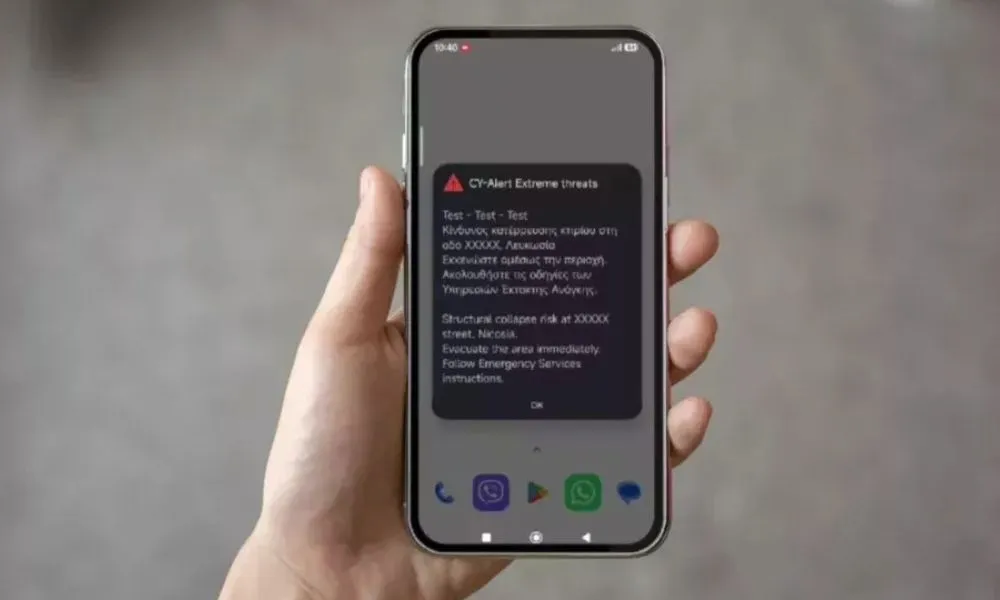

The Interior Ministry has reminded the public to update their mobile devices to the latest available software version and activate the necessary settings to receive alerts through CY-Alert, Cyprus' national emergency warning system.
In a statement, the ministry called on citizens to ensure their mobile phones are running the latest software and that the relevant notification settings have been enabled so they can receive emergency alerts when required.
Android devices
For Android users, the ministry advises first carrying out a software update through the device's Settings menu.
Once the update has been completed, CY-Alert settings can be found under Personal Safety and Emergency Features, where users can activate Wireless Emergency Alerts.
If the relevant options do not appear, the ministry recommends navigating to:
Settings > Security and Privacy > Updates > Google Play System Update
Users should then restart their device.
iPhone devices
For iPhone users, the ministry advises checking that the latest version of iOS is installed by going to:
Settings > General > Software Update
Notification options can be found under:
Settings > Notifications
At the bottom of the screen, users can enable the relevant emergency alert settings.
The Interior Ministry said additional information about the CY-Alert system, including audiovisual guidance material for citizens, is available on the system's official website.