


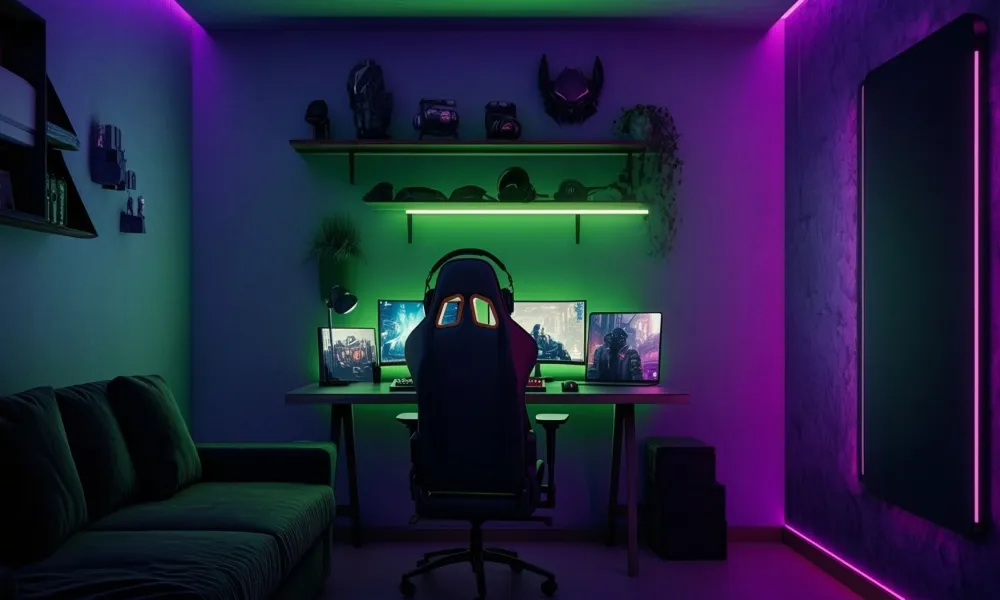

Gaming rooms have evolved far beyond a desk, a chair and a screen. Today's setups are designed as complete living spaces, blending technology, comfort and interior design to create an environment that works equally well for gaming, working and relaxing.
Start with Comfort
Every successful gaming space begins with comfortable seating.
Whether you choose a dedicated gaming chair, an ergonomic office chair or even a recliner, support should be the priority. Adjustable armrests, lumbar support and proper seat height can make long sessions far more comfortable while helping maintain good posture.
In smaller rooms, avoid oversized chairs that dominate the space. Streamlined designs often provide the same level of support while fitting more naturally into a bedroom or home office.
Create Layered Lighting
Lighting has a major impact on both comfort and atmosphere.
Instead of relying solely on overhead lighting, combine different light sources throughout the room:
- Soft ambient lighting for overall comfort
- Task lighting near desks and work areas
- Accent lighting behind shelves or screens
- LED strips to add mood and visual interest
The goal is to create a space that feels inviting while reducing screen glare and eye strain.
Invest in a Functional Desk
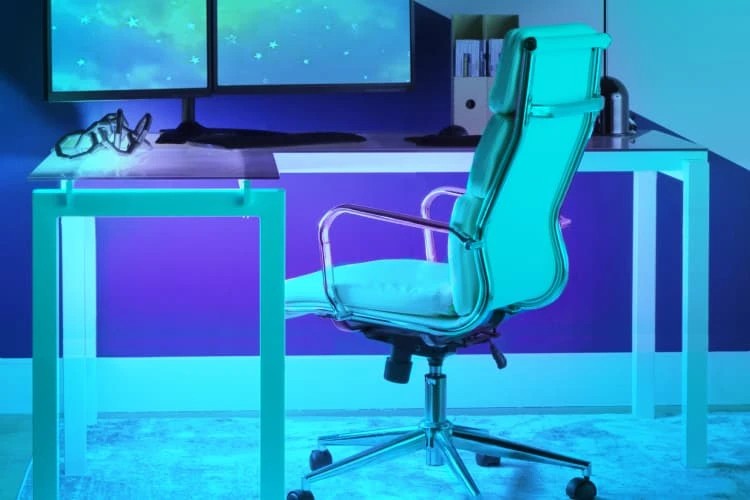
A gaming setup can quickly become cluttered, making a practical desk essential.
Look for a design that offers enough surface area for monitors, accessories and everyday tasks. Cable management features can keep wires hidden, while adjustable-height desks provide flexibility between sitting and standing.
The best gaming desks function just as well for work, studying or creative projects.
Make Technology Part of the Design
Rather than allowing equipment to dominate the room, integrate it into the overall design.
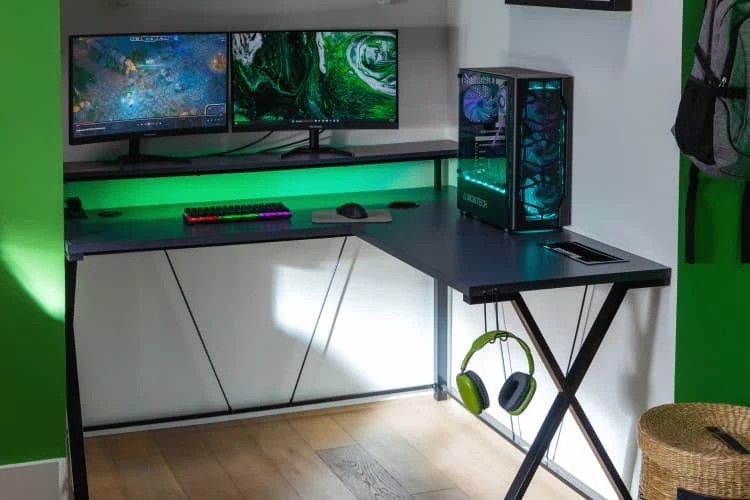
Wall-mounted screens, monitor arms and concealed cables create a cleaner appearance. Accessories such as headphone stands, charging stations and storage units help maintain an organised look while keeping essentials within reach.
Choose Displays That Fit the Space
Large monitors can create an immersive experience, but they should be proportional to the room.
For many users, a dual-monitor setup offers greater versatility, allowing one screen for gaming and the other for streaming, work or communication.
Position screens at eye level to ensure comfortable viewing and reduce strain.
Upgrade the Audio Experience
Sound plays an important role in creating an immersive environment.
Depending on the room and household, this may mean:
- A quality gaming headset
- Wireless speakers
- A surround-sound system
- Acoustic panels to reduce echo
The best solution balances performance with consideration for other people in the home.
Add Personality
The most memorable gaming rooms reflect the interests of the people who use them.
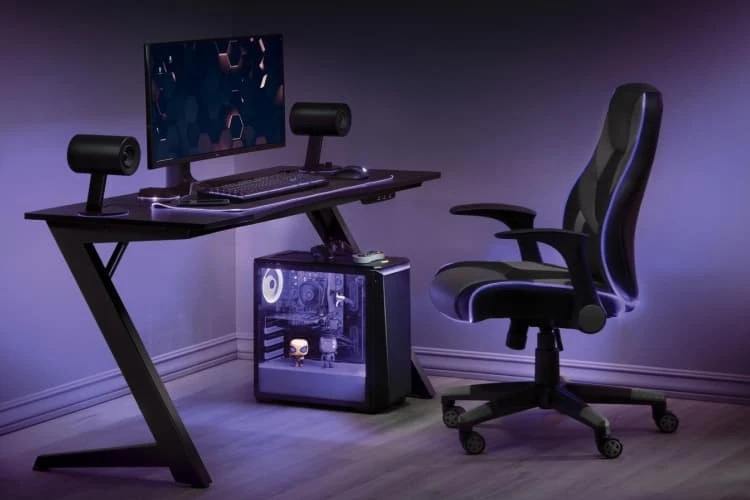
Display favourite collectibles, framed artwork, books, records or travel souvenirs. These details transform a setup from a generic gaming station into a personal living space.
Think Beyond Gaming
The most successful gaming rooms serve multiple purposes.
Incorporating storage, comfortable seating, greenery and thoughtful décor helps the room feel like part of the home rather than a dedicated tech zone.
A well-designed gaming space should be somewhere you enjoy spending time, whether you're playing, working, reading or simply relaxing.
Source: Living Spaces