


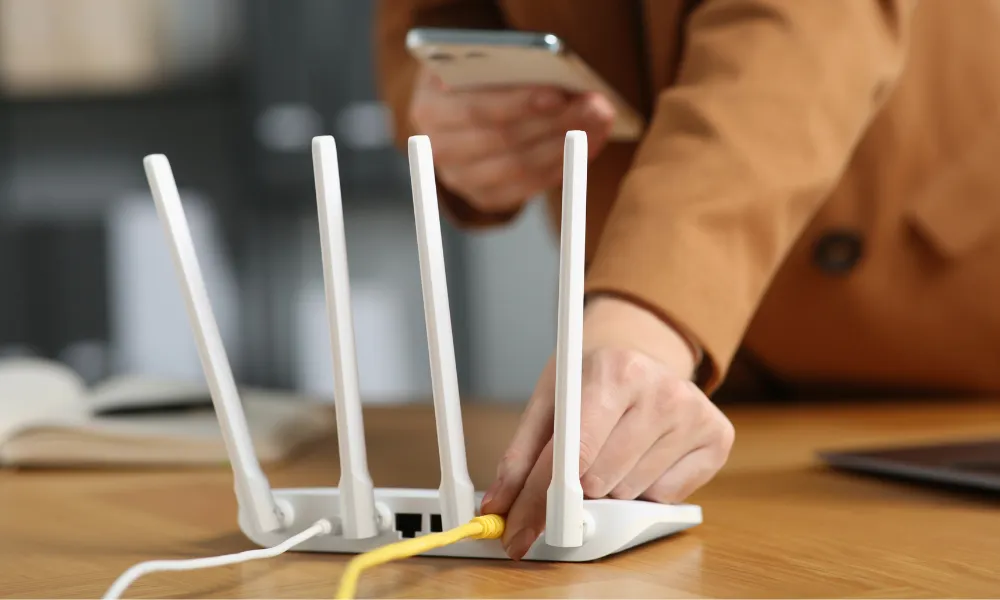

Wi-Fi problems are often blamed on the router or internet provider, but some of the most common sources of interference may already be inside the home.
Microwave ovens, fish tanks, mirrors and even large television screens can weaken or redirect wireless signals, sometimes causing slow connections or complete dead zones.
Microwaves and radio interference
In 1993, Alex Hills led a team at Carnegie Mellon University that built one of the world’s first large Wi-Fi networks. He later described the objects and processes that disrupt wireless signals as the “Bad Boys of Radio”.
One of the best-known examples is the microwave oven.
Wi-Fi networks often operate on the 2.4 GHz frequency, which is also used by Bluetooth devices and microwave ovens. Although microwaves are designed to keep radiation inside, older or damaged appliances can leak small amounts of energy that interfere with nearby wireless signals.
The problem may become more noticeable when a microwave is operating close to a router or connected device.
Hills said modern microwave ovens are generally better shielded, while newer Wi-Fi systems can also use the 5 GHz frequency, reducing the likelihood of interference.
Fluorescent lighting and car ignition systems can produce similar radio-frequency interference.
Fish tanks can block Wi-Fi signals
Water is another significant obstacle for wireless networks.
Wi-Fi signals naturally become weaker over distance, but they can lose additional strength when they pass through certain objects. This effect is known as shadowing.
Water molecules can absorb some of the signal’s energy, meaning a large aquarium placed between a router and a connected device may create a weak-signal area or dead zone.
Dense construction materials can have a similar impact. Wireless signals generally pass through wood and plasterboard more easily than through brick, concrete or metal.
The more physical barriers placed between the router and the device, the harder it becomes for the signal to reach its destination.
Where to place a router
Router position can make a significant difference to connection quality.
Placing the router near the centre of the home and keeping it elevated can help the signal travel more evenly through the property.
Users should also consider the direct path between the router and the devices they use most often. Large objects, thick walls and water-filled containers may all reduce performance.
Where moving the router is not enough, a Wi-Fi extender can amplify the signal in areas with poor coverage.
A mesh Wi-Fi system may be more effective in larger homes, as it uses several smaller devices to distribute the connection across different rooms.
Mirrors and televisions can reflect signals
Wireless signals can also be affected by reflection.
Radio waves are a form of electromagnetic radiation and can bounce off reflective surfaces in a similar way to visible light.
Mirrors, large televisions and metal-backed building materials can redirect Wi-Fi signals away from the intended device.
When investigating a dead zone, users can imagine a straight line between the router and the affected area and check whether a mirror, television or metal surface is positioned along the route.
Moving either the router or the reflective object may improve the connection. Wi-Fi extenders or mesh systems can also help signals reach areas affected by reflection.
The most effective improvements often begin with simple changes: moving the router, reducing nearby obstructions and switching from 2.4 GHz to 5 GHz where possible.
Source: BBC